Learn about the modules, roles, and payment flows of the native SmartPOS app
🚧 Early Release — Beta
This product is in early access. Parameters, response structures and behaviors may change without prior notice. Do not use this version in production without coordinating with the Kushki integrations team first.
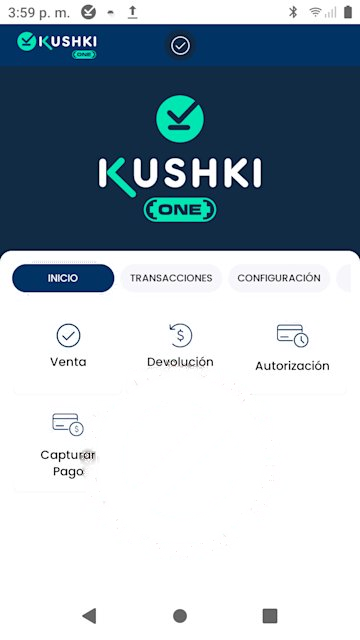
The Kushki ONE Payment App is the native application that runs directly on SmartPOS terminals (Sunmi P2 SE, Sunmi P3). It serves two purposes: it lets the cashier process card payments on their own, and it lets the merchant administrator review sales, tips and reports without leaving the device.
The cashier enters the amount and the customer presents their card by contactless, chip or magnetic stripe. The terminal sends the authorization request through Kushki to the card network. The result, Approved or Declined, appears on screen and is recorded automatically in the Sales List.Every approved transaction produces:
A unique 18-digit Ticket #, which works as the reference both on the terminal and in the Kushki portal.
A printable receipt with a customer copy and a merchant copy.
A record available for email delivery, individually or as a consolidated report.
Declines are recorded too
Declined transactions appear in the Sales List with a Declined status and no Ticket # assigned. That lets the administrator audit failed attempts.
App capabilities are enabled in two layers, and understanding the difference saves you from hunting for an option that is not there yet.
Level
Who controls it
What it defines
Kushki
The Kushki team, during your terminal activation
Whether the capability is available for your merchant account, and its maximum limits
Terminal
The merchant administrator, from Settings
How the capability behaves day to day
If an option is missing from Settings
It means the capability is not yet enabled at the Kushki level for your merchant account. The administrator cannot turn it on from the terminal: contact your account manager.
Tips are a good example. Kushki has to enable them first. Once enabled, the administrator decides from the terminal whether they are percentage-based or fixed-amount, and which three quick values are offered to the customer.